Who Owns the Footage?
Does this happen at your school?
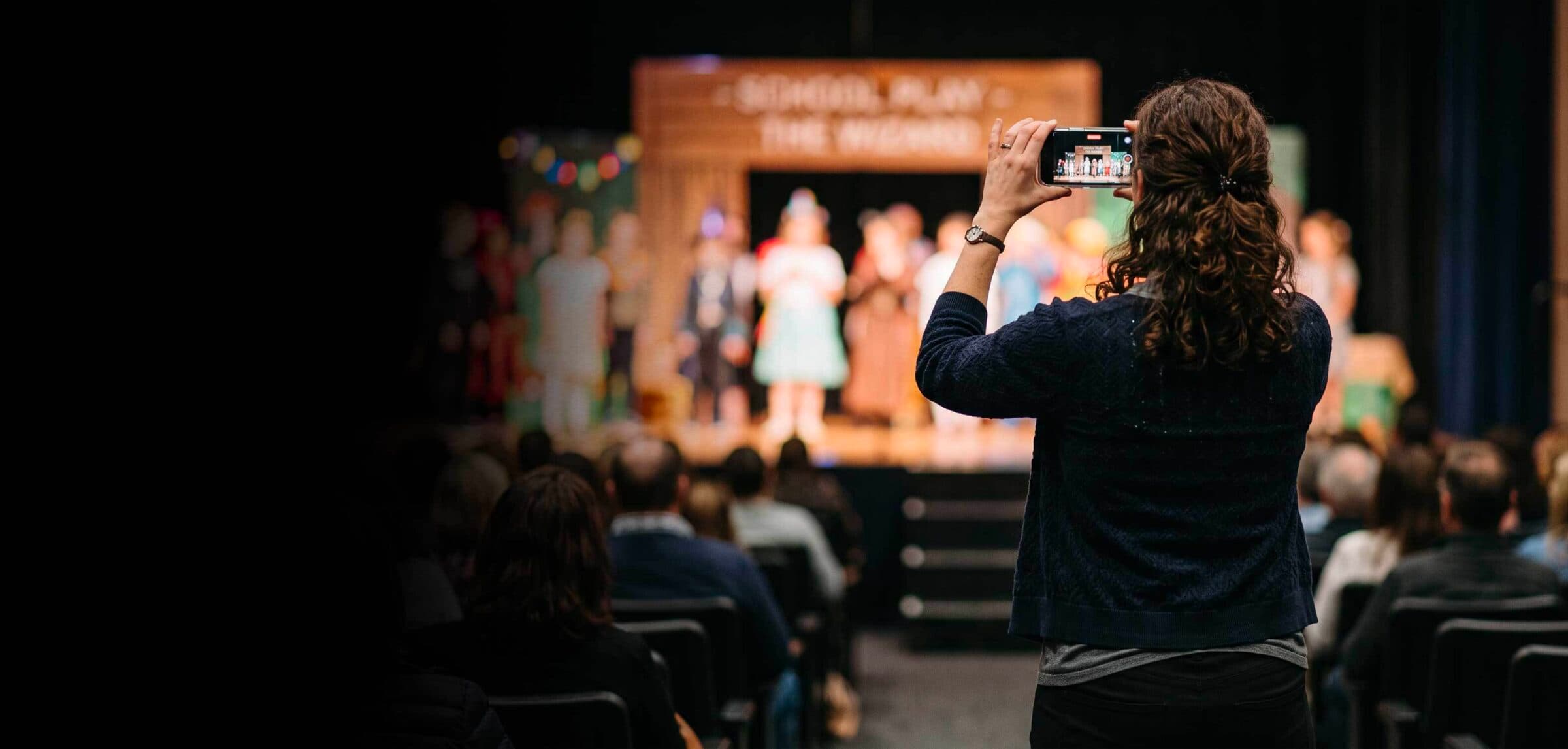
A teacher films a school concert on their smartphone. A coach records a rugby match. A member of staff captures a theatre production, a school trip, or an awards ceremony. Teachers want to capture everyday, positive moments in school life and parents want to see them.
But what happens to that footage after filming? Where is it stored? Who can access it? Can it be shared outside the school? What happens if the member of staff leaves?
Schools increasingly recognise the value of sharing these moments but can they demonstrate that video footage is handled in accordance with safeguarding and data protection policies.
What happens to school footage once it's been recorded?
Personal devices and backups
A recording may remain in a staff member’s personal camera roll, be backed up to the cloud, or synced to other devices beyond the school’s routine oversight and retention processes.
Different permissions and restrictions
Schools must distinguish where recording is appropriate and where and how footage can be used or published. A large group recording can include pupils with different restrictions.
Informal distribution
WhatsApp, email, AirDrop and personal file-sharing tools can create copies that are difficult to trace, recall, or delete.
Staff departures and deletion requests
A school needs to know where recordings are held and how to respond appropriately to retention, access, and erasure requests; such requests are subject to applicable legal conditions and exceptions.
Protecting teachers
An approved workflow gives staff clearer boundaries and helps demonstrate that filming and sharing were authorised and appropriate.
The sector has already recognised the governance challenge
The 2026 joint guidance paper Safe, Responsible Streaming in Schools was introduced by HMC (The Heads’ Conference), the Girls’ Schools Association (GSA), the Professional Association of Directors of Sport in Independent Schools (PADSIS) and the Independent Schools’ Bursars Association (ISBA), with contributions from SOCS and Joymo.
The paper sets out 13 principles for schools to consider in their streaming arrangements, addressing safeguarding, governance and data protection. The sector discussions behind it highlighted issues including clear consent processes, controlled access, auditable systems, delayed broadcasts, emergency stop controls and named senior accountability. It reinforces that safe streaming is a leadership and operational responsibility, not simply a camera or software decision.
Banning personal devices may be appropriate in some circumstances, but footage from school-owned cameras can still end up on personal laptops, USB drives, and unapproved cloud services. A school-owned camera does not automatically create a school-controlled recording. The joint guidance is a useful framework for school leaders reviewing these arrangements and forming practical and accountable processes for capturing, managing, and distributing video - whatever equipment is used.


Developing a school-owned environment
Joymo Education is designed to help schools manage video across all areas of school life. With a school-owned platform powered by Joymo Education you get:
- A central school-controlled environment for organising and managing school recordings.
- Public and private publishing options, with audience access settings.
- Access and viewing auditability to support school oversight.
- Configurable download and geographic restrictions.
- Intervention settings and the ability to stop a live stream where necessary.
- Workflows that can accommodate existing capture technology rather than requiring new cameras for every event.
- Access to Joymo Share, a mobile capture and streaming application that enables authorised contributors to use familiar smartphone equipment within a school-approved workflow.
NOTE: For SOCS schools, Joymo Education is available as “SOCS TV” providing a connected video proposition through the SOCS platform, powered by Joymo Education Technology.
Taking control of your safeguarding responsibilities
With a Joymo Education platform schools take full control of safeguarding and data protection, deciding which pupils may be filmed, managing permissions and restrictions, and approving content for publication.
Joymo supports schools in meeting these responsibilities through practical advice, guidance and technology. We help schools establish appropriate workflows, configure access and retention controls, and manage how content is published and shared.
While these decisions and responsibilities always remain with the school, Joymo provides the tools and ongoing support to help schools implement them effectively.
Seven questions for school leaders
- Do you know which devices and applications staff use to film pupils?
- Do you know where recordings are stored, including automatic backups?
- Do you distinguish between recording, internal use, and publication?
- Can you control access, downloads and onward sharing?
- Can you manage retention and deletion, including when staff leave?
- Do safeguarding, IT, and communications teams follow one consistent process?
- Is the approved way of filming and sharing straightforward enough for staff to use?
The Opportunity
Schools should not have to choose between protecting pupils and celebrating school life. Smartphones have transformed what schools can capture. A well-managed video environment can preserve more of these moments, make them accessible to appropriate audiences, and build a lasting archive of school life.
The device that captures the moment matters far less than the school having control over what happens to that moment afterwards. Good governance should not mean filming less. It should mean being able to share more of school life, safely and confidently.
References and further reading
SOCS, March 2026 news: introduction of Safe, Responsible Streaming in Schools https://socs.tech/insights/mar...
SOCS, Taking the Lead on Safe Streaming in Schools (January 2026) https://socs.tech/insights/tak...
SOCS / Joymo, Safe streaming starts with safeguarding (September 2026) https://socs.tech/insights/saf...
Department for Education, Taking and using photos and videos in schools https://www.gov.uk/guidance/da...
Department for Education, Keeping children safe in education 2026 https://www.gov.uk/government/...